How to Play Play Together: Complete Beginner Guide
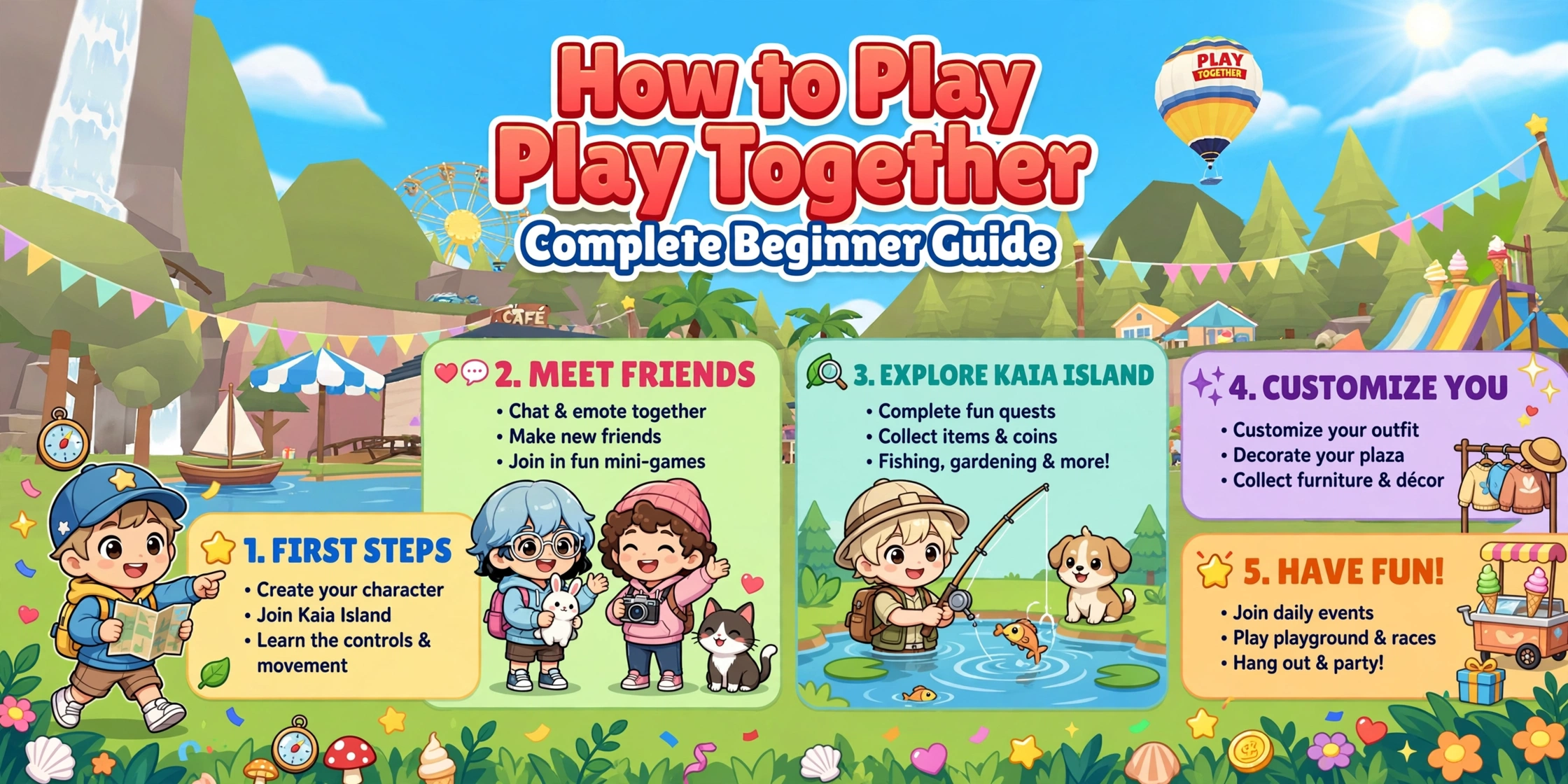
Play Together is a social virtual-world game where you can create your character, meet other players, play mini-games, go fishing, raise pets, decorate your home, attend activities, and explore different areas. For a new player, the game can feel a little confusing at first because there are many things to do instead of following one fixed story. This guide explains how to play Play Together from the beginning, including character creation, movement, the Phone menu, missions, mini-games, fishing, pets, friends, home decoration, currency, and useful beginner tips.
Whether you have just installed the game or have already entered Kaia Island and do not know what to do next, this guide will help you understand the basic gameplay step by step.
What Is Play Together?
Play Together is a social game built around exploration, interaction, customization, mini-games, and everyday activities. Instead of completing a traditional linear campaign, you can decide how you want to spend your time.
You can customize your avatar, meet players from different places, participate in Game Parties, catch fish, take care of pets, decorate your home, complete missions, and collect different items. The official Play Together guide also describes features such as friends, Game Parties, pets, achievements, the Phone, Bag, Inbox, and home parties.
The easiest way to understand the game is to think of it as a virtual social playground where you can switch between different activities whenever you want.
How to Play Play Together for the First Time
When you start playing, do not worry about unlocking everything immediately. Spend some time learning the basic controls and menus first.
Your first few minutes should be focused on:
- Creating and customizing your character
- Learning how to move around
- Opening the Phone menu
- Checking available missions
- Exploring the main area
- Visiting important locations
- Playing an easy mini-game
- Collecting your first rewards
- Meeting other players
- Learning how the Bag and inventory work
Once you understand these basics, the rest of the game becomes much easier.
✅ Tip: When Lost, Open the Phone
If you ever feel lost or do not know what to do next, open the Phone menu. It gives you quick access to missions, the map, mini-games, friends, and other key features, making it the best starting point for any beginner.
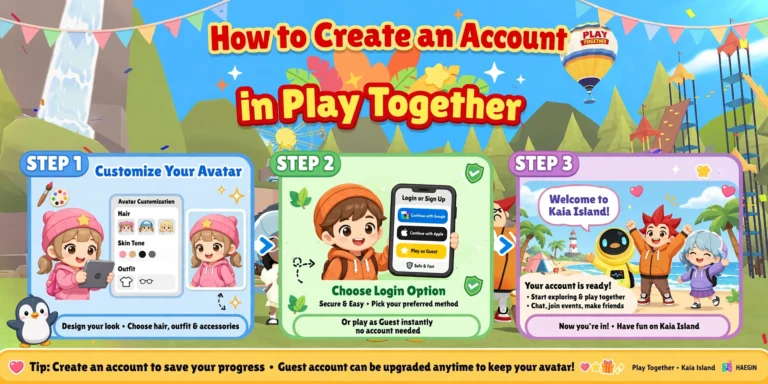
Step 1: Create Your Play Together Character
Your character is your identity inside the game world.
During character customization, you can change different parts of your appearance, including hairstyles, clothing and other visual elements. You can keep the starting appearance or spend time creating a character that matches your preferred style.
Do not worry too much about making the perfect character at the beginning. You can continue customizing your avatar as you progress and collect new items.
Beginner Character Tips
When creating your avatar:
- Choose an appearance you actually like.
- Try different hairstyles and outfits.
- Save your premium currency instead of spending everything immediately.
- Collect clothing through gameplay and events.
- Change your appearance later when you unlock better items.
The official Google Play listing describes Play Together as a virtual world focused on avatar customization, social interaction, mini-games, pets, homes and exploration.
Step 2: Learn the Basic Controls
The next important part of how to play Play Together is learning movement.
Your character can walk and move around the environment while interacting with different objects, locations and players.
At first, concentrate on three things:
- Moving your character accurately.
- Understanding where important locations are.
- Learning how interaction buttons appear near objects or characters.
Spend a few minutes simply walking around instead of immediately trying to complete everything.
This makes it much easier to recognize locations such as the Plaza, Game Center, shops, fishing areas, school-related locations and other activities.
Step 3: Understand the Phone Menu
The Phone is one of the most important menus in Play Together.
According to the official game guide, the Phone provides access to features such as mini-games, home parties, customization, missions, the map, friends, collections and other functions.
For a beginner, the Phone should become your main control center.
What Can You Find in the Phone?
Depending on the available features and game version, you can use it to access:
- Missions
- Map
- Friends
- Mini-games
- Customization
- Collections
- Home-related features
- Other game services
If you ever feel lost, opening the Phone is usually a good first step.
Step 4: Complete Missions and Achievements
Missions give you direction when you do not know what to do next.
Instead of randomly moving around the map, check your available tasks and work through them one by one.
Achievements are also useful because they provide longer-term objectives. The official guide explains that achievements contain account-wide missions with multiple stages and can provide Gems as rewards.
Why Beginners Should Focus on Missions
Completing tasks can help you:
- Understand different game mechanics
- Discover new locations
- Earn rewards
- Learn how different activities work
- Build your inventory
- Progress naturally without wasting time
Do not ignore simple missions just because they look easy. They can be a good introduction to features you might otherwise miss.
Step 5: Explore Kaia Island
Exploration is a major part of how to play Play Together.
Instead of staying in one location, walk around and discover different areas. Many locations provide their own activities, shops, NPCs or interactive features.
The game is designed around a virtual town where players can socialize and participate in activities such as fishing, school life, camping, pet care, home decoration and mini-games.
Places Worth Exploring
As a new player, explore areas related to:
- Game Center
- Plaza
- Shops
- Fishing spots
- Pet Shop
- Camping areas
- Your home
- School activities
- Event locations
You do not need to memorize the entire map on your first day. Explore naturally and use the map whenever you need help finding something.
Step 6: Play Mini-Games
Mini-games are one of the easiest ways to make your first hours more enjoyable.
Play Together includes different types of games and challenges. Game Party is particularly useful when you want competitive multiplayer gameplay.
The official guide describes Game Party as a mini-game tournament where players compete through different challenges such as races, obstacle courses and survival-style games.
How to Join a Game Party
You can access Game Party through the game’s available menus or the Game Center.
The official guide lists two routes: Plaza → Game Center or Phone → Play Game → Game Party.
Once you enter, pay attention to the objective rather than simply running around.
Beginner Mini-Game Tips
- Read the objective before starting.
- Watch how other players move.
- Do not panic if you lose your first few rounds.
- Learn the layout of each challenge.
- Practice timing-based movements.
- Focus on survival when the game requires it.
- Try different mini-games instead of playing only one.
You will naturally improve as you become familiar with the controls.
Step 7: Go Fishing
Fishing is another relaxing activity for beginners.
You can explore fishing locations, catch different fish and build your collection over time.
Fishing is not only about making progress. It is also one of the activities that makes Play Together feel more like a virtual-life game rather than a traditional action game.
If you enjoy collecting things, fishing can become one of your favorite activities.
Simple Fishing Tips
Start by learning the fishing controls and timing.
Do not spend all your resources immediately. Learn which fishing equipment you have and understand how upgrades work as you progress.
You can also use your collection-related features to keep track of what you have already discovered.
Step 8: Get and Take Care of a Pet
Pets are one of the most popular parts of how to play Play Together.
Pets follow your character and can become part of your everyday gameplay.
The official guide explains that pets can progress through stages from Egg → Baby Pet → Full-Grown Pet. Their level can increase by fulfilling their Desires, which gives Stars and increases the bond gauge.
How to Start With Pets
You can visit the Pet Shop and look at available pet-related products.
Depending on the current game content, pet-related items can include:
- Pet Eggs
- Pet Food
- Pet Beds
- Pet Toys
- Pet Furniture
The official guide specifically identifies the Pet Shop as a place to purchase Pet Eggs and pet products.
How to Level Up a Pet
The basic process is simple:
- Take care of your pet.
- Check its Desires.
- Complete those needs.
- Earn Stars.
- Increase the bond gauge.
- Continue until your pet levels up.
As pets level up, they can gain access to additional tricks and abilities.
Step 9: Make Friends
Social interaction is a major reason people play this game.
You can meet other players, add them as friends and interact with them around the game world.
The official guide says that friends can use features such as Follow and Summon, making it easier to meet and play together.
Follow and Summon
Follow allows you to move toward a friend’s location.
Summon allows you to ask a friend to move to your location.
These features are especially useful when you want to attend a Home Party, play mini-games together or simply explore the world with friends.
Step 10: Customize Your Home
Your home is another major part of the game.
Instead of treating it only as a place to return to, you can use it as a creative space.
You can collect furniture, arrange rooms and create a style that matches your character.
Home Decoration Ideas
Try creating:
- A simple bedroom
- A gaming room
- A modern house
- A colorful room
- A pet-friendly space
- A party area
- A themed room
You do not need expensive furniture to make your home look good. Good placement and a consistent theme can make a bigger difference than simply filling every space with items.
Step 11: Understand Your Bag and Inventory
Another important part of how to play Play Together is learning how to manage your inventory.
The Bag stores many of the items you collect throughout your gameplay. The official guide notes that the Bag can contain things such as rides, pets, tools, fish, food, ingredients and recycled items.
Whenever you collect something new, check your Bag so you understand what it is and where it belongs.
Why Inventory Management Matters
A messy inventory can make it difficult to find things later.
Regularly check:
- Pets
- Fish
- Food
- Tools
- Vehicles
- Clothing
- Other collectibles
This small habit can save you a lot of time.
Step 12: Learn About the Game’s Currency
Like many free-to-play games, Play Together has different types of resources and currencies.
As a beginner, avoid spending everything immediately.
Before buying something, ask yourself: Do I actually need this item right now?
Saving resources can be useful when you discover an item, event or feature you really want later.
A good beginner strategy is to focus on gameplay and free rewards first rather than trying to purchase everything you see.
⚠️ Warning: Do Not Spend Your Gems Too Quickly
Gems and other premium resources are much harder to earn than regular currency. Avoid spending them on impulse purchases early on. Save them until you find an item, event, or feature you truly want.
Step 13: Check Your Inbox Regularly
Do not forget about the Inbox.
According to the official game guide, purchased items, rewards, notices and other game-related messages can appear in the Inbox.
If you receive a reward but cannot find it immediately, checking your Inbox is a good idea.
Make it a habit to check it after:
- Events
- Purchases
- Rewards
- Important announcements
- Missions
Step 14: Customize Game Settings
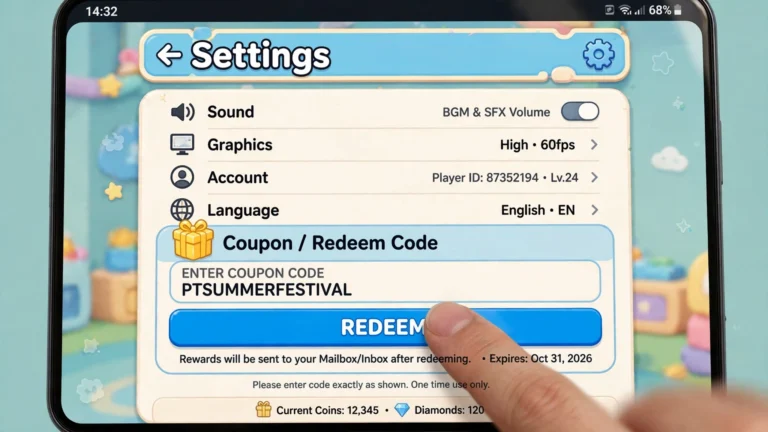
If the game does not feel comfortable on your device, check the Settings menu.
The official guide states that players can adjust options such as sound, vibration, invitations, language, notifications, frame rate and resolution.
Recommended Beginner Settings
If your device struggles with performance, try reducing graphics-related settings where available.
If the game runs smoothly, you can experiment with higher settings.
Also adjust:
- Sound volume
- Vibration
- Notifications
- Language
- Frame rate
- Resolution
The best settings depend on your phone’s performance and your personal preference.
ℹ️ Note: Adjust Settings for Smoother Performance
If Play Together lags or stutters on your device, try lowering the frame rate and resolution in the Settings menu. Smoother performance often matters more than high graphics, especially for mini-games and exploration.
How to Play Play Together With Friends
Playing with friends makes the game much more enjoyable.
You can:
- Meet friends around the map
- Join mini-games
- Attend Home Parties
- Follow friends
- Summon friends
- Explore locations together
- Take pictures
- Show your outfits
- Spend time at your home
If your friend is online, use the Friends section to see available social options.
The game is designed around social interaction, so you do not need to treat it like a single-player game.
Best Beginner Activities in Play Together
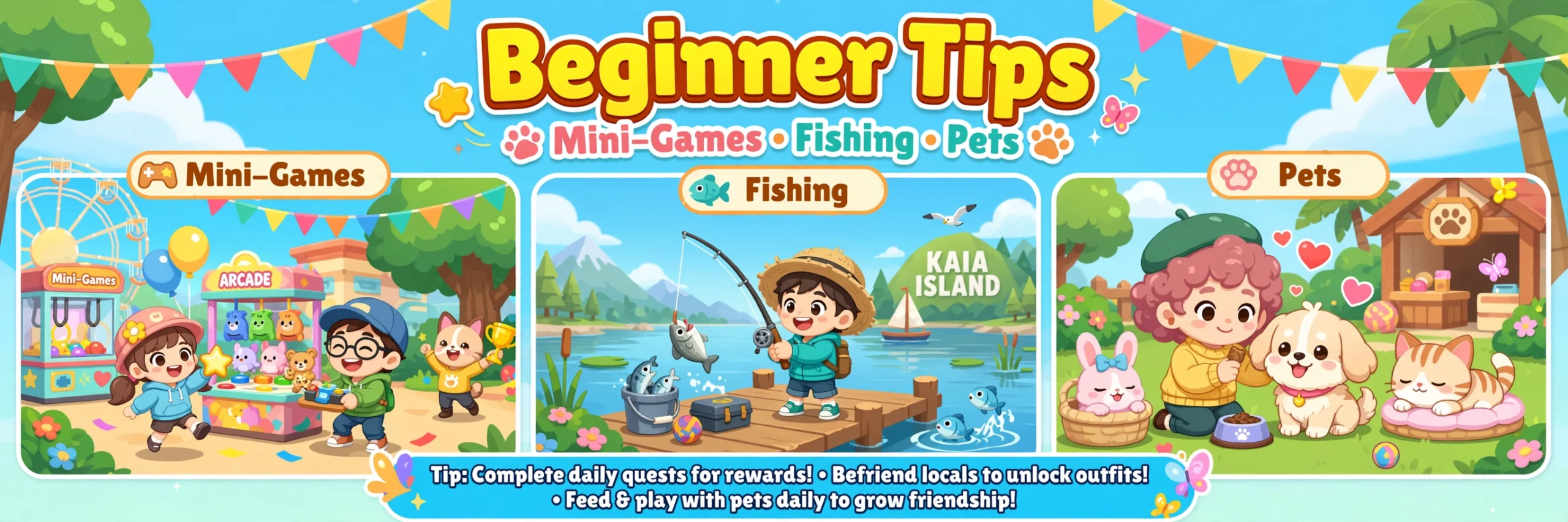
If you have just started, I recommend trying these activities in this order. This gives you a balanced introduction without forcing you to focus on one feature.
Common Mistakes New Players Should Avoid
Learning how to play Play Together is much easier when you avoid some common beginner mistakes.
Spending Resources Too Quickly
Do not immediately spend every Gem or valuable resource. Save some for things that actually matter to you.
Ignoring Missions
Missions can introduce you to important mechanics, so do not skip them completely.
Staying in One Location
The game has many activities across different areas. Explore the map instead of spending all your time in one place.
Forgetting Your Pet
If you have a pet, check its needs and Desires regularly.
Buying Everything
You do not need every outfit, furniture item or cosmetic on your first day.
Playing Only One Activity
Try mini-games, fishing, exploration, pets and social activities. You may discover that a different feature is more enjoyable than your first choice.
My Personal Experience With Play Together
When I first approached Play Together, the biggest thing I noticed was that there is no pressure to follow one specific path. At first, the number of menus, locations and activities can make the game feel a little overwhelming. My suggestion is to take it slowly during the first session. I would start with character customization, then explore the main area, check the Phone, complete a few simple missions, and play a mini-game. After that, try fishing and visit the Pet Shop. Once you understand these basics, the game feels much easier. I also found that exploring without constantly trying to complete everything makes the experience more enjoyable. Sometimes the best part is simply walking around, meeting other players, checking different locations and discovering something you had not noticed before. For more Play Together guides, codes, download information and beginner resources, you can also visit codeplaytogether.codes, where we focus specifically on Play Together-related content.
How to Get Better at Play Together
There is no single shortcut that makes someone an expert immediately. The best approach is consistent practice.
Focus on these habits:
- Complete useful missions.
- Learn the map.
- Practice mini-games.
- Take care of your pets.
- Save important resources.
- Explore new activities.
- Keep your inventory organized.
- Play with friends.
- Check events and updates.
- Learn from your mistakes.
Over time, you will understand which activities are worth your time and which ones you personally enjoy most.
Is Play Together Difficult for Beginners?
No. The basic gameplay is easy to understand once you learn the main menus and controls. The difficult part for a new player is usually not controlling the character. It is understanding how many different systems work together. After learning the Phone, Bag, missions, map, friends, mini-games and basic activities, the game becomes much easier to navigate.
Can You Play Play Together Alone?
Yes. You can explore the world, complete activities, go fishing, take care of pets, customize your character and decorate your home without constantly playing with other people. However, social features are an important part of the experience, so playing with friends can make the game more entertaining.
Is Play Together Good for Casual Players?
Yes. One of the biggest advantages is that you do not always need a long gaming session. You can open the game, complete a few activities, play a mini-game, check your pet, collect items, or simply explore. That makes it suitable for players who prefer short and relaxed gaming sessions as well as people who want to spend more time exploring.
Frequently Asked Questions
Final Thoughts
Learning how to play Play Together does not require mastering everything on your first day. The game is built around exploration, social interaction and different activities, so there is plenty of time to discover things at your own pace. Start with the basics: create your avatar, learn the controls, use the Phone, complete missions and explore the map. Then move into mini-games, fishing, pets, friends and home decoration. The most important beginner tip is simple: do not try to unlock everything at once. Explore one feature at a time and enjoy the experience. For more Play Together guides, codes, updates and helpful resources, visit codeplaytogether.codes.